
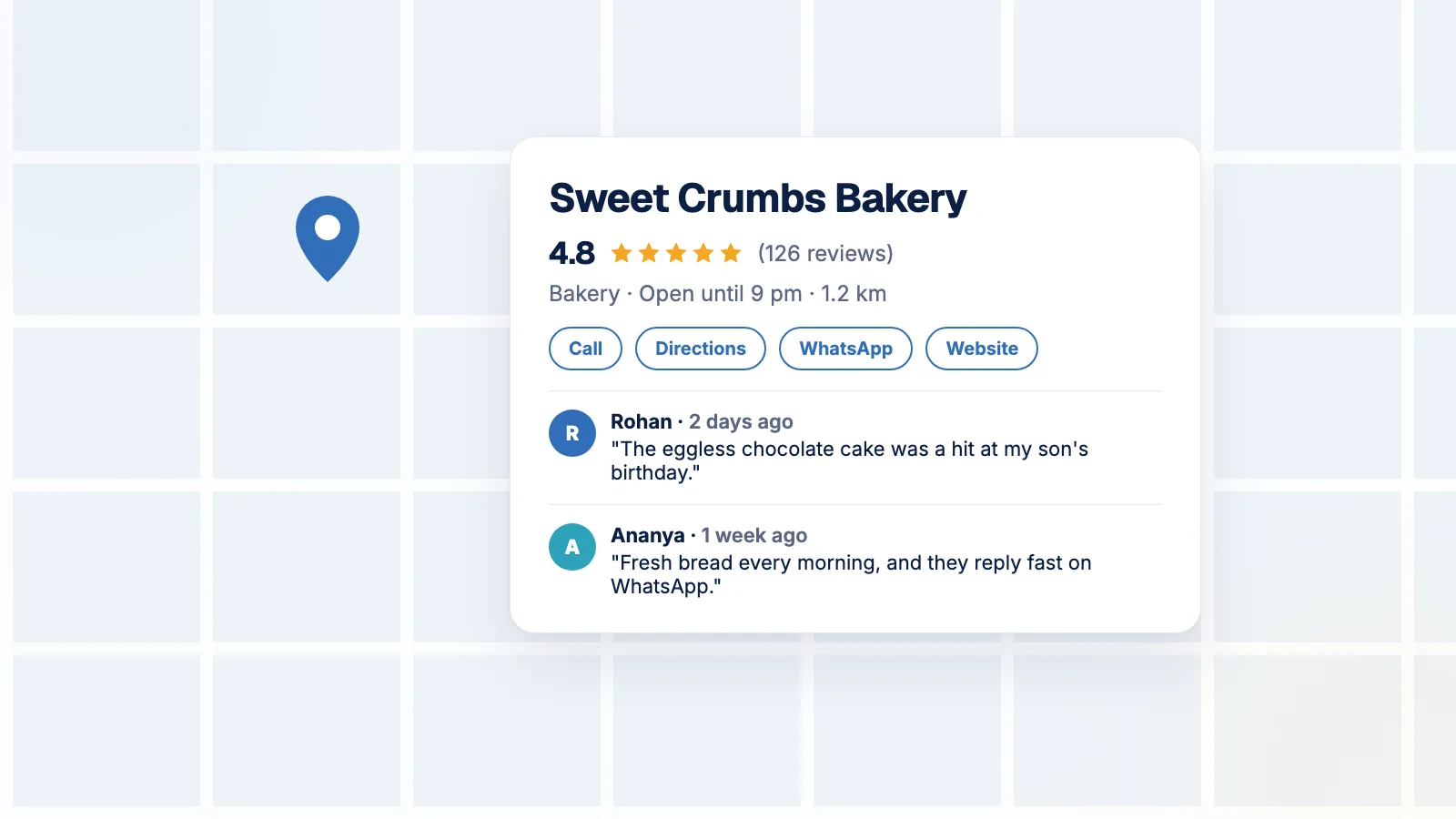
Search “best momos near me” or “physiotherapist in Baner” and Google shows a map with a short list of businesses. Whoever is in that list gets the call. The person searching isn’t browsing; they want to go somewhere now.
That list comes from Google Business Profile, a free listing. Most small businesses have either never claimed theirs, or set it up once in 2021 and forgot it exists.
How Google decides who shows up
Google says local results are based mainly on three things (Google Business Profile Help):
- Relevance: how well your profile matches what someone searched. Complete, detailed information helps Google understand what you actually do.
- Distance: how far you are from the person searching, or from the area they searched for.
- Prominence: how well known you are. That includes how many reviews you have, your ratings, and how many websites link to you.
You can’t move your shop closer to every customer. But relevance and prominence are mostly in your hands.
What customers are doing in 2026
BrightLocal’s 2026 Local Consumer Review Survey (BrightLocal) has some numbers every local business owner should see:
- 97% of consumers read reviews for local businesses, and 41% say they always do. A year earlier it was 29%.
- 47% won’t use a business with fewer than 20 reviews.
- 74% only care about reviews from the last three months.
- 31% will only consider a business rated 4.5 stars or more.
- Google is still the biggest review source, though its share fell from 83% to 71%. Meanwhile the share of people using ChatGPT and other AI tools for local recommendations jumped from 6% to 45%.
BrightLocal also found that only 35% of small businesses have a Google Business Profile at all. If your competitors are in the other 65%, this is the easiest advantage you’ll get this year.
The lesson from those numbers: recent, steady reviews beat a big pile of old ones. A 4.9 with the last review from 2023 looks like a shop that might have shut down. The same goes for AI assistants, which draw on the same public information when they recommend a place.
The one-hour setup
Claim it. Search for your business on Google Maps. If it’s there, claim it. If not, create it and follow Google’s verification steps.
Fill in everything:
- The single most accurate primary category (“Bakery”, not “Food”). Add other categories only if they’re genuinely true.
- Hours, including festival and holiday hours. Nothing loses trust faster than a customer turning up to a closed shutter on Dussehra.
- Services or products, with short descriptions and prices where you can.
- A description in plain words: what you do, for whom, and where, the way a customer would say it.
- Real photos: the shopfront (so people can spot it from the road), the inside, your team, your products. Taken in daylight, not borrowed from the internet.
- Contact options: phone number, website, and a WhatsApp or booking link.
Keep it alive. Post an update or offer every week or two, with a photo. You don’t need new ideas for this; reuse what you already posted on Instagram (turning one idea into ten posts explains how).
Getting more reviews, within Google’s rules
Google is strict about this, and its policy is worth knowing before you start (Maps user-generated content policy):
- No incentives. No discounts, freebies or cashback in exchange for a review, or for changing a bad one. “5-star review = free pastry” is exactly what’s banned.
- No cherry-picking. You can’t discourage negative reviews, or only ask happy customers.
- No pressure at the counter. Don’t make customers review while they’re still in your shop, and don’t tell them what to write.
- No quotas. Don’t ask staff to bring in a fixed number of reviews.
Within those rules, a simple habit works best. Ask everyone, later the same day rather than at the counter. Share your review link (copy it from your Business Profile) on WhatsApp, so it’s one tap. Keep the message short and neutral:
“Thank you for ordering from us, Priya! We’d really value your honest review on Google, good or bad. It helps us improve and helps other customers decide: [link]”
And keep doing it every week. Given how much recency matters, a steady trickle beats one big push every Diwali.
Reply to every review
Google says positive reviews and helpful replies can help a business stand out (Google Business Profile Help). Future customers read your replies too, sometimes more closely than the reviews.
For a good review, thank them by name and mention something specific: “So glad the eggless chocolate cake was a hit at your son’s birthday!”
For a bad one, stay calm. Apologise for the experience, take it offline (“Please WhatsApp us on… so we can sort this out”), and don’t argue in public. Nobody has ever won an argument in a Google review reply.
Is it working?
Your profile’s performance view shows searches, views, calls, direction requests and website clicks. To see those website visits properly in Google Analytics, tag your profile’s website link with UTM parameters, for example utm_source=google&utm_medium=organic&utm_campaign=gbp, and add it to your weekly numbers.
Sources
- Google Business Profile Help, “Tips to improve your local ranking on Google”
- BrightLocal, “Local Consumer Review Survey 2026”
- Google, “Prohibited & restricted content, Maps user-generated content policy”
We checked every figure and policy point in this article against the original source on 25 September 2026.