
Most small business owners don’t struggle to make posts. They struggle to decide what to post, every single day, usually at 9 pm after a long day.
The fix is boring but it works. Make all those decisions once a month, in one sitting, and then just follow the plan.
To make this concrete, say you run a home bakery in Pune. Festive season is coming, and you want orders for Diwali gift boxes. This is roughly how your Sunday afternoon would go.
3:00 pm: decide how much you’re posting
Start with the number, because it tells you how many slots you have to fill. Three Instagram posts a week is a realistic target for one person (we explain why in how often to post). That’s about twelve posts for the month.
Twelve. Not thirty. That already feels less scary.
3:15 pm: pick one goal for the month
“Grow on Instagram” isn’t a goal. “Get 40 gift box orders before Diwali” is. So is “fill the Saturday workshop” or “get 20 new Google reviews”.
One clear goal keeps the month coherent. Every post should either nudge people towards it or build the trust that makes it possible.
3:30 pm: choose three or four themes
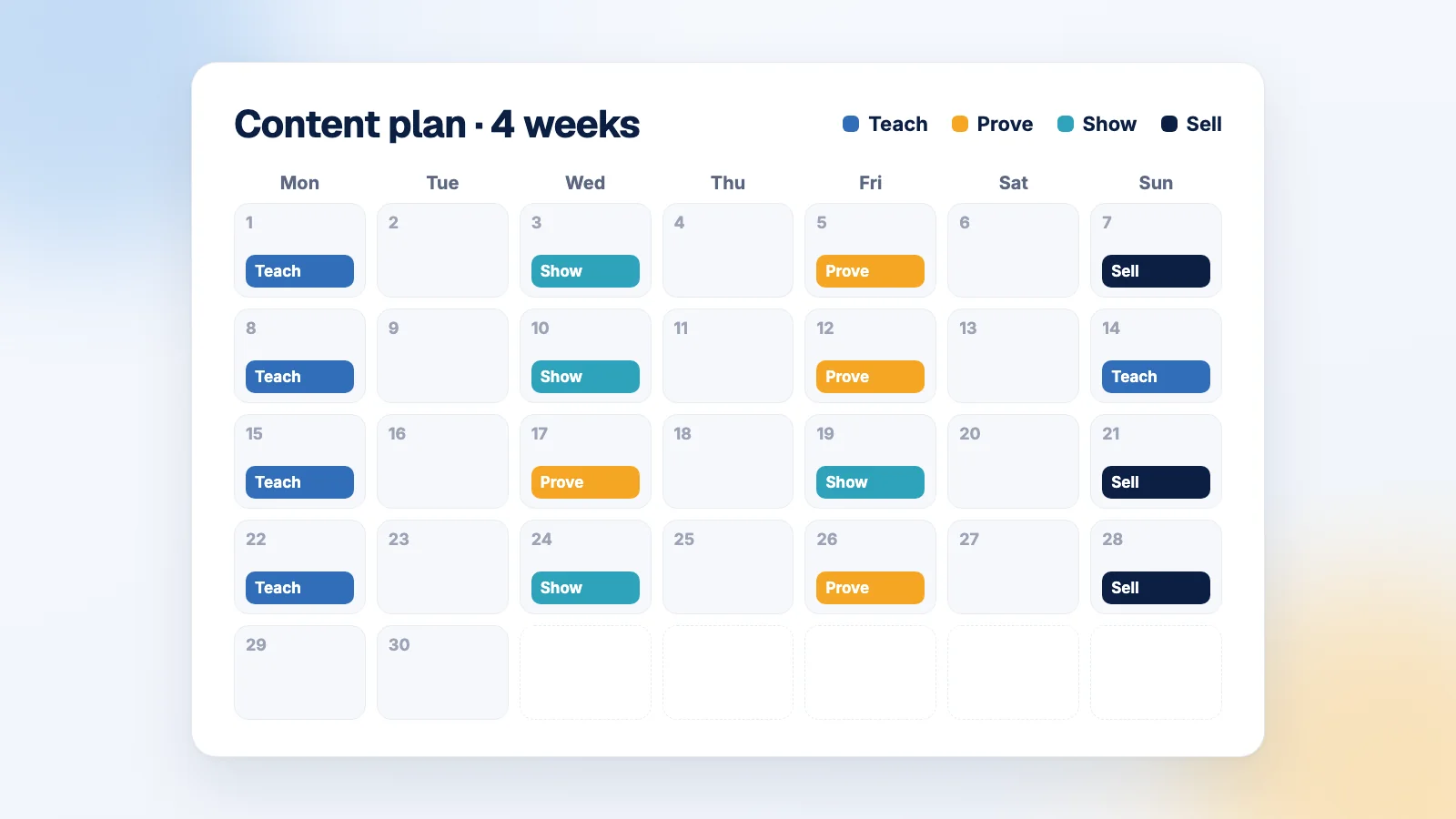
Marketers call these content pillars. Really they’re just the few kinds of posts you’ll keep coming back to, so you’re never starting from a blank page. For almost any small business these four work:
- Teach: tips and answers to questions customers actually ask. (“Can I freeze a cheesecake?”)
- Prove: reviews, customer photos, before/after, results.
- Show: behind the scenes, the kitchen, the team, how things get made.
- Sell: the offer, the deadline, the launch. At most one post in four.
Spend ten minutes writing every idea you can under each heading. Your best “Teach” ideas are sitting in your WhatsApp chats. If a customer has asked it twice, it deserves a post.
4:00 pm: fill in the calendar
Draw a simple grid: weeks down the side, your posting days across the top. Put the Sell posts in first, around the dates that matter (orders close on the 25th, say). Then spread Teach, Prove and Show around them so no week is all selling.
Give each slot a format as well: carousel, Reel or a single photo. They do different jobs.
A week in October might look like this:
| Day | Theme | Format | Post |
|---|---|---|---|
| Monday | Teach | Carousel | 5 ways to keep cookies fresh for gifting |
| Wednesday | Show | Reel | Packing 50 gift boxes before 10 am |
| Friday | Prove | Carousel | Photos from a customer’s office Diwali party, with her review |
| Sunday | Sell | Single photo | Gift box orders close on the 25th |
4:45 pm: write only the first lines
Don’t write full captions yet. Write the hook for each post, the first line that makes someone stop scrolling. “Your cookies go soft for one reason” does far more work than “Cookie storage tips!”.
Once the hook is right, the rest of the caption practically writes itself.
5:30 pm: batch the actual work
This is where the time saving comes from. Do everything of one kind in one go:
- all captions in one sitting, with chai
- all photos in one session, in the same window light
- all Reels filmed back to back while the kitchen is already set up
- all carousels from one template
If you do all of that in one afternoon, you’ll be surprised how little is left for the rest of the month.
7:00 pm: schedule it, and leave gaps
Schedule everything, but leave roughly one slot in five empty. Those gaps are for things you can’t plan: a lovely message from a customer, a sudden rain day, the day your oven decides to stop working. A plan with no room for real life gets abandoned by week two.
And at the end of the month
Before you plan November, spend twenty minutes looking back. Which three posts reached the most people? Which got saved and shared most? Which theme worked? Did you hit the 40 orders?
Do more of whatever worked. We cover the handful of numbers that are worth your time in the five numbers a small marketing team should track. And if one post did really well, don’t retire the idea after one use. Turn it into several posts.